
Product Best for (practice type) Clinical focus Optical / POS strength Multi-location support Pricing model RevolutionEHR Optometry practices of all sizes (especially U.S. independents wanting integrated clinical + PM) Full optometry EHR + clinical charting + practice management Includes optical/ordering tools but primarily EHR; POS-style retail tools are present but not as deep as dedicated POS-first systems Yes — cloud supports multi-site visibility and workflows Subscription-based per provider/practice with optional add-ons; quote-based Optix UK/Ireland independents and small to mid-size optical practices Practice management with patient records, scheduling, stock Strong dispensing, POS, stock and supplier workflows tailored to opticians Supports multi-branch configurations in UK market Subscription/seat or site pricing; vendor quotes vary by config i-Clarity UK optical retailers and chains Practice management + POS first, plus optional clinical record modules Strong POS, promotions, and inventory/branch stock Built to support multiple branches Tiered monthly plans with core vs higher tiers/add-ons Eyefinity Optometry practices (especially U.S. single offices or groups already in the Eyefinity ecosystem) Integrated optometry practice management + EHR components (PM core, EHR optional/integrated) Included optical features (order entry, lab integration), focused more toward front-office workflows than specialized POS Yes — supports multi-location enterprise environments Subscription pricing by quote; varies with features/users Visual-Eyes Canadian optometry/optical practices Optometry PM with clinic note capabilities Optical practise workflows and inventory/dispensing functions Multi-location available depending on setup Quote-based with modular selections Acuitas 3 Independent optical chains and multi-location practices needing a unified system Practice management + optical/retail + clinical workflows Strong POS, inventory, analytics; built for optical-centric chains Yes — designed for multi-site and omnichannel contexts Quote-based tailored to practice size and modules
Note: Use this table as a starting point only: features, integrations, and “best for” fit vary by practice type, region, and configuration, so confirm the details with vendor demos and documentation before you decide.
RevolutionEHR
Best for: Independent optometry practices and small-to-mid-sized groups, mainly in the U.S., wanting an all-in-one optometry EHR and practice management platform.
Key strengths:
- Integrated optometry EHR, billing, and scheduling in a single system
- Cloud-based access from any device, with multi-location visibility
- Built-in patient communication and recall tools
- Optical ordering and inventory tools included
- Designed specifically for optometry workflows from the ground up
May not be ideal if:
- Your practice is heavily retail-driven and needs advanced POS workflows, promotions management, or inter-branch inventory control
- You want transparent public pricing before getting into vendor conversations
- You’re scaling quickly and want to understand long-term cost per location before committing
Pricing: Subscription-based, starting from around $319/month for the Core plan. Advanced and Premium tiers are available at higher price points. Exact pricing varies by number of providers, add-ons, and practice size, so a quote is required for an accurate figure.
Optix
Best for: UK and Ireland independent opticians and multi-site optical practices that want integrated diary management, patient records, and retail workflows in one system.
Key strengths:
- Strong UK market fit with relevant supplier integrations
- Integrated dispensing and stock control
- Multi-branch visibility and reporting
- Designed with optical-business workflows as the starting point, not bolted on
May not be ideal if:
- Your practice is outside the UK or Ireland
- You need specialist ophthalmology or surgical EHR capabilities
- You’re running a large enterprise chain that requires deeper omnichannel retail functionality
Pricing: Subscription model, typically per site or configuration; quote-based.
i-Clarity
Best for: UK optical retailers and chains that prioritise POS, inventory management, and branch stock visibility, with the option to add clinical modules.
Key strengths:
- Strong POS and promotions management tools
- Advanced inventory control with inter-branch visibility
- Built specifically for multi-branch retail environments
- Tiered plans that allow practices to scale features as they grow
May not be ideal if:
- Clinical documentation depth is a priority from day one — clinical records require an add-on or the Enterprise tier
- You need a deep EHR-first platform as your primary clinical record
- You’re outside the UK or need international compliance features
Pricing: i‑Clarity’s published pricing list appears not to have been updated since 1 January 2024. For the most accurate, current pricing for your practice and configuration, request a quote directly from i‑Clarity.
Eyefinity
Best for: Optometry practices wanting scheduling, billing, and EHR within one connected environment — particularly U.S. single offices or groups already working within the Eyefinity platform.
Key strengths:
- Integrated scheduling, billing, and insurance tools
- EHR available within the same environment as practice management
- Patient portal and communication features
- Lab and ordering integrations built in
- Scales from single-site to larger group practices
May not be ideal if:
- Your priority is a highly retail-focused or POS-first setup
- You need deep omnichannel optical retail features
- You prefer publicly listed pricing before entering sales conversations
Pricing: Subscription-based; quote-driven depending on features, users, and scale.
Visual-Eyes
Best for: Canadian optometry and optical practices seeking integrated patient management and dispensing workflows with a modular structure.
Key strengths:
- Designed around optometry workflows with relevant Canadian market fit
- Inventory and dispensing functionality included
- Modular feature structure allows practices to select what they need
May not be ideal if:
- You’re operating outside Canada
- You need deep enterprise or multi-location configuration out of the box
- You want extensive third-party documentation and a large user community for peer support
Pricing: Subscription and quote-based depending on users, modules, and locations.
Acuitas 3 (Ocuco)
Best for: Independent practices and groups where optical retail performance, multi-location visibility, and omnichannel capability are central to the decision — and who may run a separate ophthalmology EHR for the clinical side if needed.
If cloud access is part of the decision, focus your demos on cloud EHR features in optometry that matter in your daily work life.
Key strengths:
- Strong optical retail and POS: inventory control, pricing rules, promotions, and insurance benefit handling
- Multi-site stock visibility and control across locations
- Practice management tools covering booking, recalls, and patient communications, plus CRM/marketing and reporting — helpful if you’re trying to tighten the end-to-end patient journey.
- Designed for growing chains and independents that want a unified retail and patient management system
- Supports omnichannel workflows where online and in-store operations need to work together
May not be ideal if:
- You need a stand-alone ophthalmology surgical EHR as your primary clinical record
- You prefer a fixed public price list before speaking to a vendor
- You’re a small single-site practice with limited optical retail complexity and no plans to grow or expand further.
Pricing: Quote-based; varies by number of locations, users, and modules selected.
How to Build a Shortlist That Fits Your Practice
The most common mistake in software comparisons is going straight to demos before being clear on what you’re actually comparing. A shortlist built around your specific practice profile will save significant time and reduce the chance of going weeks into an evaluation before realising a tool isn’t a fit.
Clarify What You Need Before You Compare Tools
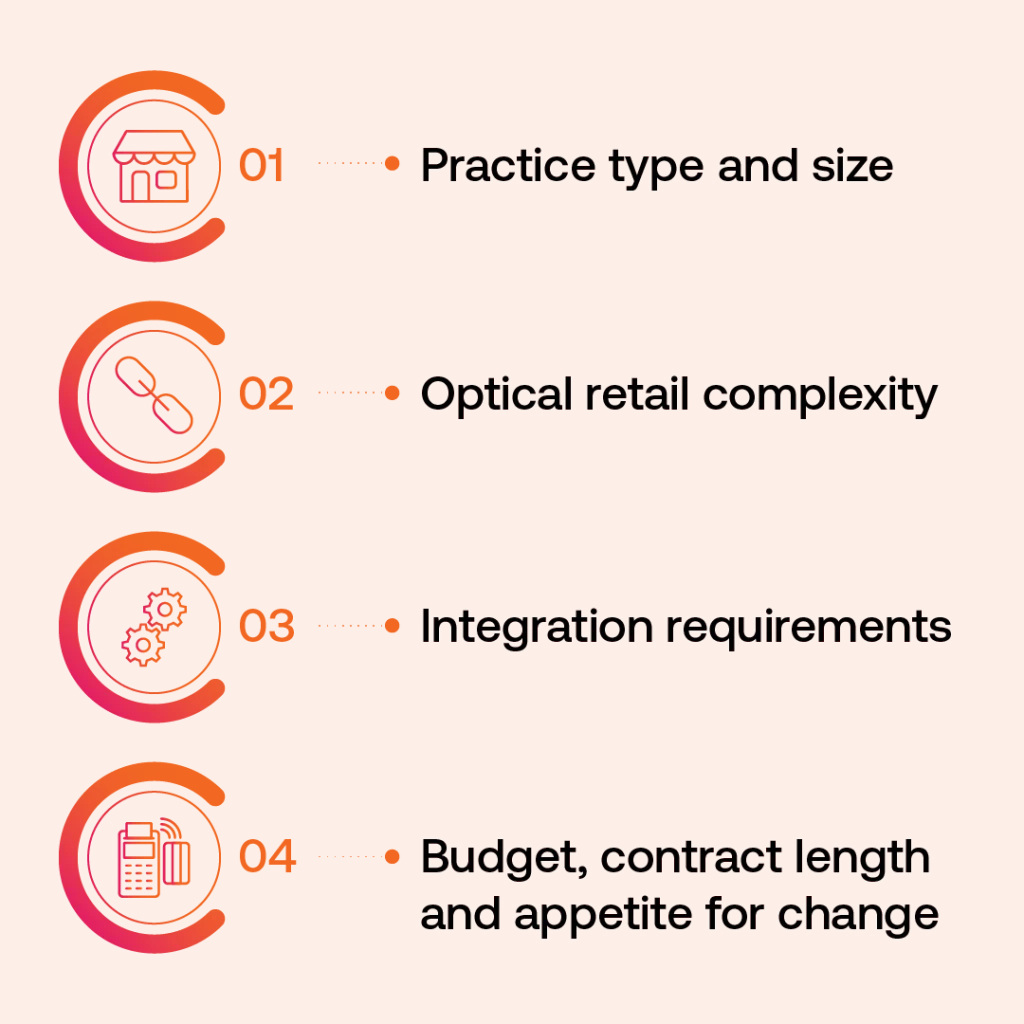
Before you approach any vendor, get specific on a few practical questions:
- Practice type and size — Single-site or multi-site? Optometry only, or do you also run ophthalmology services that need their own EHR?
- Optical retail complexity — How large is your dispensary? Do you need advanced POS features, promotions tools, or inter-branch inventory control?
- Integration requirements — What systems do you already run — diagnostic devices, an existing EHR, accounting software, eCommerce, or a marketing platform? Which integrations are non-negotiable?
- Budget, contract length, and appetite for change — What’s a realistic total cost of ownership over two to three years, including implementation and training? And how much disruption can your team absorb during a transition?
Run Focused Demos and Compare Real Quotes
Once you’ve answered those questions, build a shortlist of RevolutionEHR plus two or three alternatives that fit your profile. Then:
- Go into every demo with the same checklist of questions. Ask vendors to walk through real workflow examples that match your daily operations — not just their standard product tour.
- Ask specifically about data migration, training timelines, ongoing support access, and what happens when something breaks.
- Compare total monthly or annual cost and estimated implementation timelines side by side. List prices rarely tell the full story once modules and onboarding fees are added.
If optical retail is a major part of your business, especially for eyecare chains or channels, Acuitas 3 is one of the options worth putting into your demo shortlist.
It’s built for exactly those use cases, and unlike EHR-first platforms that treat retail as a secondary feature, it puts the optical and retail workflows at the centre of how the system is designed.